Features
Everything CapFu
can do for you.
- Capture
Three ways to grab the web.
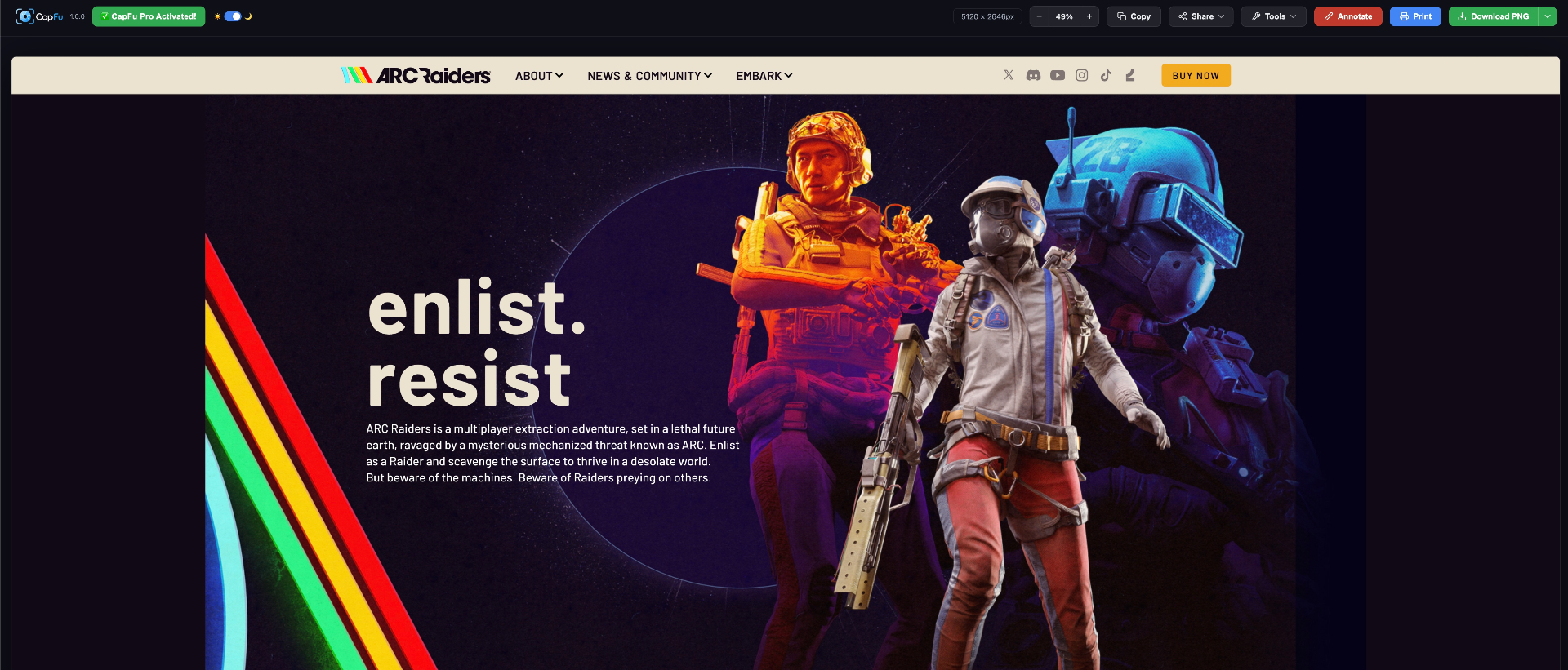
Whether you need the full scrollable page, the current viewport, or a precise slice, CapFu has a mode for it.
Full-page capture
CapFu scrolls the entire document, stitches every section together, and outputs one clean image. No manual scrolling, no third-party stitching apps.
Works on infinitely scrolling feeds, long documentation pages, and dashboards. Handles fixed-position headers gracefully so they don't repeat.
Visible area
One click captures exactly what you see right now — the current viewport, crisp and instant.
Perfect for quick shares, bug reports, and social posts where only the current view matters.
Region select
Drag any rectangle on the page with pixel-precision crosshairs. CapFu renders only that region at full resolution.
Hold Shift to constrain to square, Alt to expand from center. Keyboard arrow keys nudge the selection 1px at a time.
- Annotate
Markup without leaving the browser.
Built-in drawing, highlighting, shapes, text and emoji stamps mean you don’t need a separate editor.
Freehand pen
Highlighter
Shapes & arrows
Text boxes
Emoji stamps
Crop with guides
- Smart
Screenshots that carry context.
- Export
Save in the format you need.
PNG for quality, JPG for size, PDF for documents. CapFu handles the conversion in-browser with no server round-trip.
- Pro plan
Unlock the full experience.
- Watermark-free exports
- Unlimited capture history
- Bulk export & download
- Priority email support